Parent Communication App for Schools: Unified Messaging Platform
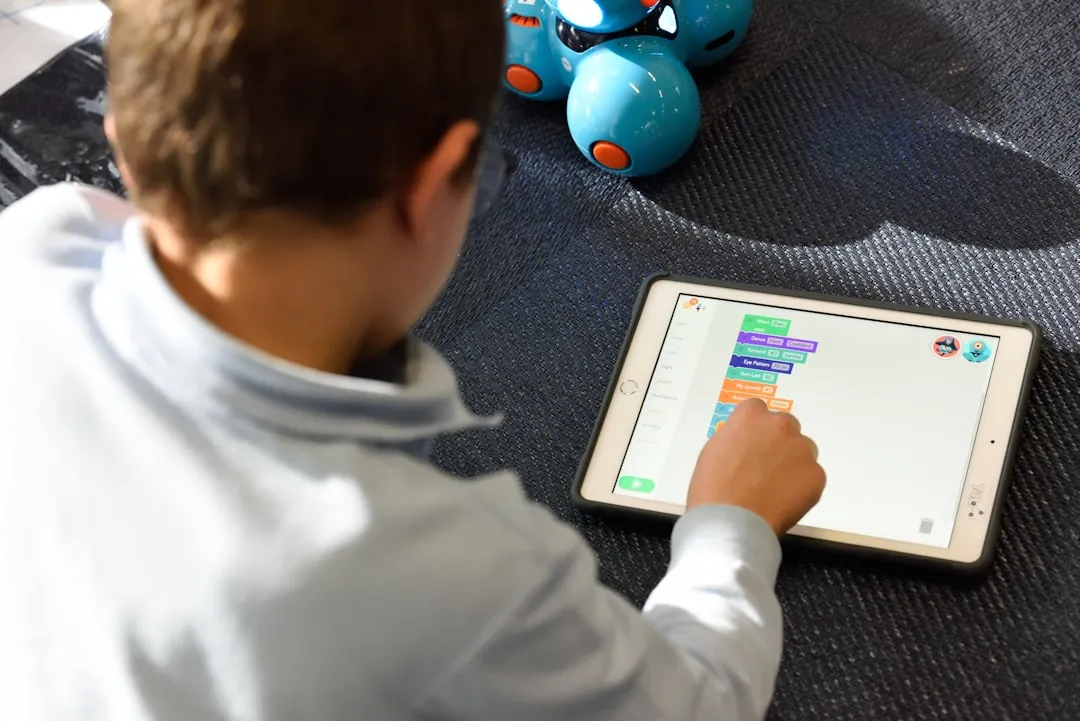
Parent Communication App for Schools: Unified Messaging Platform
Your teachers are juggling WhatsApp groups, personal phone numbers, email chains, and paper notes just to reach parents. Some parents miss announcements entirely, others complain they never received important updates, and your staff spends hours managing fragmented communication channels.
A dedicated parent communication app for schools eliminates this chaos by centralizing all parent-school messaging in one secure platform. Instead of hoping the field trip permission slip or homework reminder made it home, you post it in one place every family can check.
Replace Fragmented Communication Channels
Most schools rely on a patchwork of communication methods that creates gaps and confusion. Teachers use their personal WhatsApp for urgent messages, the front office sends emails that end up in spam folders, and paper notes get lost in backpacks.
Edunation brings school messaging into one app. Parents can message their child's teachers without anyone sharing a personal phone number, teachers can write to a whole group in its group conversation (the group's students and their parents see it), and announcements go to everyone, or only to students, teachers or parents. New messages show up as notifications in the app; announcements do not send a notification.
Edunation does not show read receipts or delivery reports, so for anything parents must confirm, ask them to reply in the conversation.
Key takeaway: One place for parent messages and announcements, without personal phone numbers.
Streamline School Announcements and Reminders
School-wide announcements often require multiple channels to reach all families effectively. You might email parents, post on the website, send paper flyers home, and still have parents claim they "never heard about it."
In Edunation, an announcement goes to everyone, or only to students, teachers or parents, and appears in their app. You can pin an important announcement or give it an expiry date, which suits weather-related closures or last-minute schedule changes. Announcements do not send a push notification, so for urgent news also post in the group conversations.
Announcements cannot be limited to one class. To reach only the families of one group, such as the after-school program, post in that group's conversation, which its students and their parents can see.
Key takeaway: School-wide announcements for news that concerns everyone; group conversations for one class.
Share Student Progress Without Email Overload
Parent-teacher communication about student progress often happens through lengthy email threads that become difficult to track. Teachers spend significant time writing individual emails, and parents struggle to find specific information about their child's performance or behavior.
In Edunation, progress reaches parents without email: teachers record attendance and lesson signals (activity, knowledge and behaviour) for each lesson and write reports with a grade and a comment, and parents see all of it on their child's progress page. When a parent writes to a teacher, the conversation history stays in the app.
Positive notes count too: a lesson signal or a teacher report can record that a student helped a classmate or completed a challenging assignment, and parents see it in the app.
Key takeaway: Parents follow attendance, lesson signals and teacher reports in the app instead of waiting for an email.
Protect Teacher Privacy While Enabling Communication
Many teachers reluctantly share personal phone numbers with parents for urgent communication, creating boundary issues and after-hours interruptions. Others avoid direct parent contact entirely, leading to communication delays that could impact student success.
A school communication app provides professional messaging boundaries while maintaining accessibility. Teachers can respond to parent questions during school hours through the platform, and parents can send non-urgent messages that teachers address when convenient.
The app also keeps the conversation history in one place, so you can look back at what was said and when.
Key takeaway: Professional communication boundaries protect teacher privacy while ensuring parents can reach their child's teachers when needed.
What to Look for in a Parent Communication App
When evaluating parent communication platforms, consider these essential features:
| Feature | Why It Matters | Questions to Ask |
|---|---|---|
| Notifications | Ensures parents see new messages | Are parents notified when a teacher replies or posts in their child's group conversation? |
| Message targeting | Reaches the right families | Can you reach one class as well as the whole school? |
| Mobile accessibility | Parents use phones more than computers | Is the app intuitive for non-tech-savvy parents? |
| Privacy controls | Protects teacher and student information | Can teachers message without sharing personal contact details? |
Frequently Asked Questions
How do you ensure all parents actually use the communication app? Successful adoption requires making the app the primary source for important school information. When parents know they'll miss announcements or their child's progress updates by not using the app, adoption increases quickly.
Can teachers set boundaries for when they receive parent messages? Edunation has no office-hours or quiet-hours setting. Parents can write at any time and teachers answer when they choose; because parents message teachers in the app, nobody has to share a personal phone number.
What happens if parents don't have smartphones? Edunation also works in a web browser on a computer or tablet, so parents do not need a smartphone. For families without reliable internet access, keep a backup channel such as a phone call or a printed note.
How does this integrate with our existing student information system? It does not: Edunation has no connection to student information systems. You can import students from a spreadsheet, and Edunation then keeps your students, parents and groups itself.
Do parents need to download multiple apps if their children attend different schools? Within one school, a single parent account covers all of a parent's children. If another school uses a different platform, parents will need that school's app as well.
Get Started with Professional Parent Communication
Stop losing important messages in email spam folders and WhatsApp chaos. Edunation's parent communication platform gives your school one place to reach every family with announcements, messages and progress updates.
See how parent messages, announcements and progress pages work together, and how teachers keep their phone numbers private.
See pricing · Explore features
Start a 14-day free trial of the Essential plan, no credit card.